
16 KiB
MobileGL trace replay
This directory builds a Linux command line replay runner for apitrace files. It is an integration testing infrastructure of MobileGL.
The bundled fixtures cover:
- OpenRA: sourced from GL4ES' apitrace corpus.

- minecraft-1.21.4-startup: captured from Minecraft 1.21.4's startup screen.

- minecraft-1.21.4-main-menu: captured from Minecraft 1.21.4's main menu.

- minecraft-1.17-main-menu-854: captured from Minecraft 1.17's 854x480 main menu through FCL MobileGL capture.

- minecraft-1.21.4-in-world: captured from Minecraft 1.21.4 after entering a singleplayer world.

- minecraft-1.21.4-fabric-sodium-in-world: captured from Minecraft 1.21.4 Fabric with Sodium after entering a
singleplayer world with Fancy graphics.

- minecraft-26.2-main-menu: captured from Minecraft 26.2's main menu.

- minecraft-26.2-in-world: captured from Minecraft 26.2 after entering a normal singleplayer world.

- improved-transparency-minecraft-26.3: captured from the Minecraft 26.3 improved-transparency scene.

- minecraft-1.21.4-fabric-common-mods-in-world: captured from Minecraft 1.21.4 Fabric with Sodium, Iris, REI,
Xaero's Minimap, Xaero's World Map, JourneyMap, and Modern UI, with shader packs disabled.

- minecraft-1.21.4-fabric-common-mods-inventory: captured from Minecraft 1.21.4 Fabric with Sodium, Iris, REI,
Xaero's Minimap, Xaero's World Map, JourneyMap, and Modern UI with the creative inventory and REI item list open.
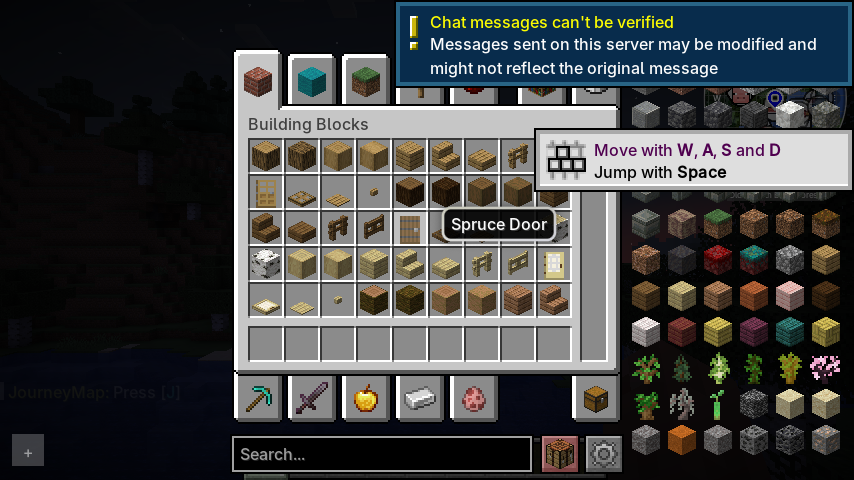
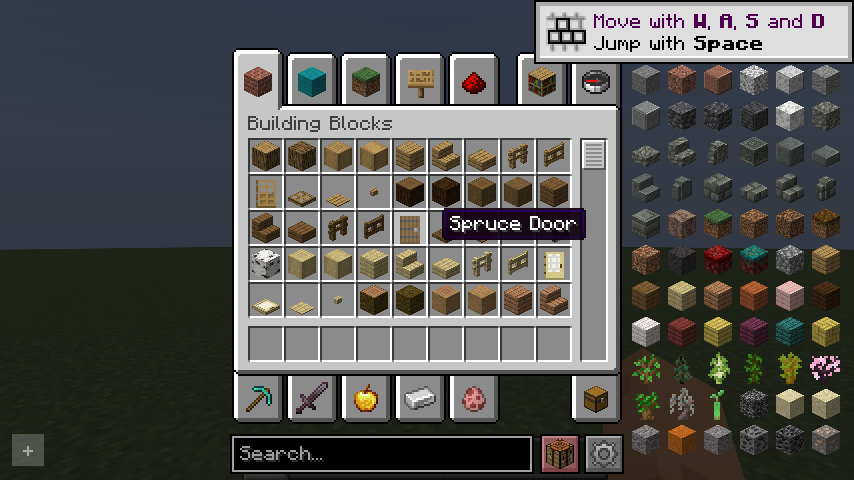
- minecraft-1.21.4-fabric-rei-inventory: captured from Minecraft 1.21.4 Fabric with Sodium, Iris, and REI, with
shader packs disabled and the creative inventory and REI item list open.
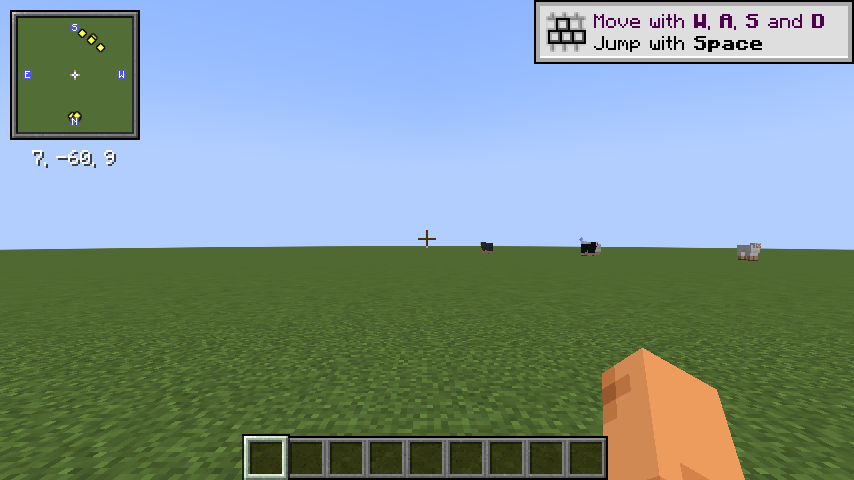
- minecraft-1.21.4-fabric-xaero-minimap-in-world: captured from Minecraft 1.21.4 Fabric with Sodium, Iris, and
Xaero's Minimap after entering a singleplayer world with shader packs disabled.
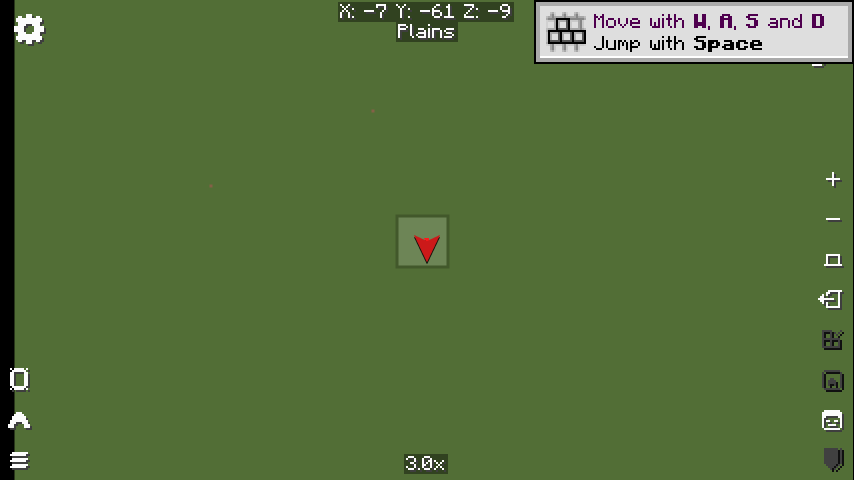
- minecraft-1.21.4-fabric-xaero-world-map-in-world: captured from Minecraft 1.21.4 Fabric with Sodium, Iris, and
Xaero's World Map, with shader packs disabled and the world map screen open.
- minecraft-1.21.4-fabric-journeymap-in-world: captured from Minecraft 1.21.4 Fabric with Sodium, Iris, and
JourneyMap after entering a singleplayer world with shader packs disabled.
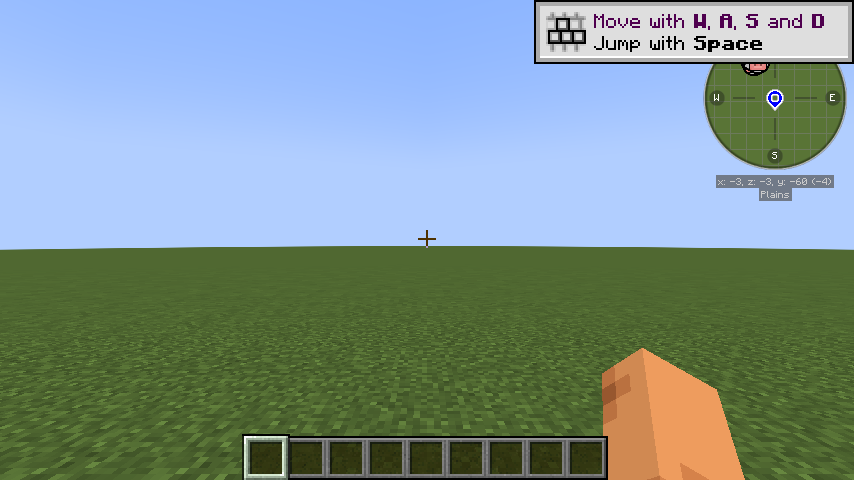
- minecraft-1.21.4-fabric-modernui-inventory: captured from Minecraft 1.21.4 Fabric with Sodium, Iris, and Modern UI,
with shader packs disabled and the creative inventory open.

- minecraft-1.21.4-fabric-rei-inventory-normal-world: captured from Minecraft 1.21.4 Fabric with Sodium, Iris, and
REI in a normal singleplayer world, with shader packs disabled and the creative inventory and REI item list open.

- minecraft-1.21.4-fabric-xaero-minimap-in-world-normal-world: captured from Minecraft 1.21.4 Fabric with Sodium,
Iris, and Xaero's Minimap after entering a normal singleplayer world with shader packs disabled.
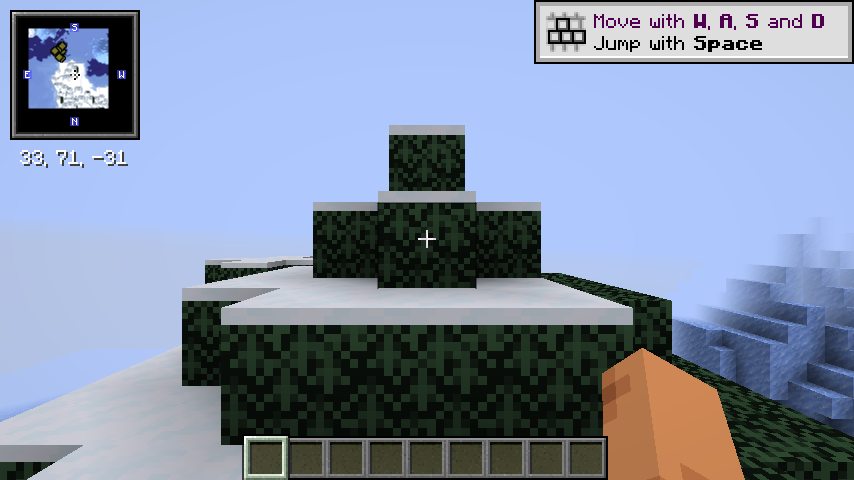
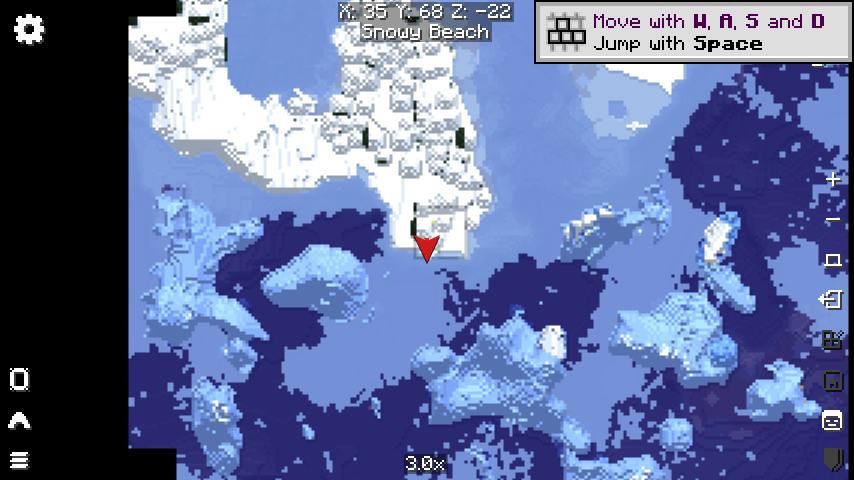
- minecraft-1.21.4-fabric-xaero-world-map-in-world-normal-world: captured from Minecraft 1.21.4 Fabric with Sodium,
Iris, and Xaero's World Map in a normal singleplayer world, with shader packs disabled and the world map screen open.
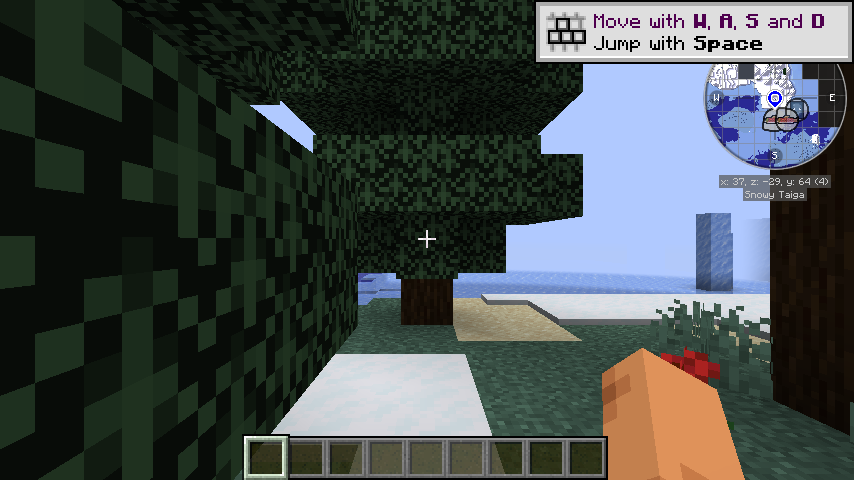
- minecraft-1.21.4-fabric-journeymap-in-world-normal-world: captured from Minecraft 1.21.4 Fabric with Sodium, Iris,
and JourneyMap after entering a normal singleplayer world with shader packs disabled.
- minecraft-1.21.4-fabric-modernui-inventory-normal-world: captured from Minecraft 1.21.4 Fabric with Sodium, Iris,
and Modern UI in a normal singleplayer world, with shader packs disabled and the creative inventory open.
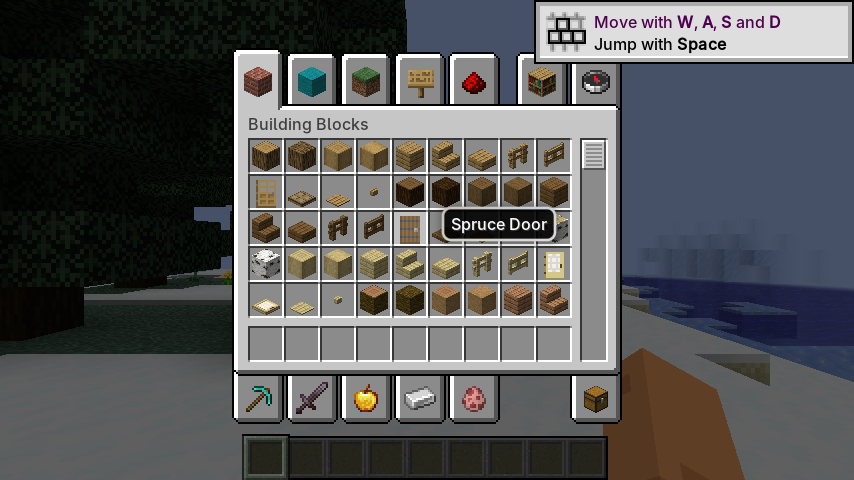
- minecraft-1.21.4-fabric-iris-bsl-in-world: captured from Minecraft 1.21.4 Fabric with Sodium, Iris, and BSL
Shaders after entering a singleplayer world.
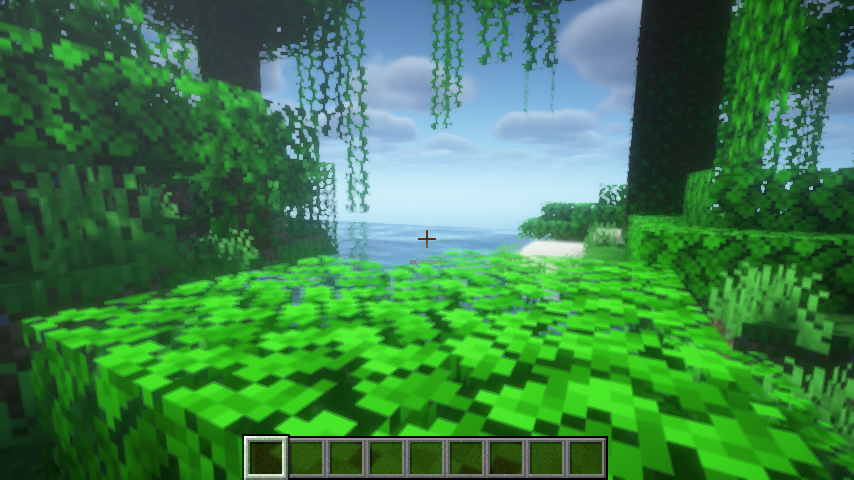
- minecraft-1.21.4-fabric-iris-makeup-ultrafast-in-world: captured from Minecraft 1.21.4 Fabric with Sodium, Iris, and
MakeUP UltraFast after entering a singleplayer world.

- minecraft-1.21.4-fabric-iris-super-duper-vanilla-in-world: captured from Minecraft 1.21.4 Fabric with Sodium, Iris,
and Super Duper Vanilla after entering a singleplayer world.

- minecraft-1.21.4-fabric-iris-complementary-reimagined-in-world: captured from Minecraft 1.21.4 Fabric with Sodium,
Iris, and Complementary Reimagined after entering a singleplayer world.
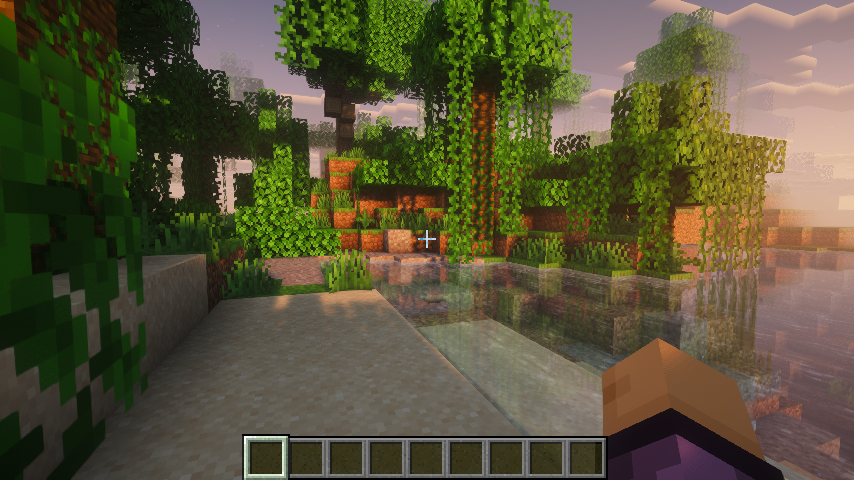
- minecraft-1.21.4-fabric-iris-complementary-unbound-in-world: captured from Minecraft 1.21.4 Fabric with Sodium,
Iris, and Complementary Unbound after entering a singleplayer world.
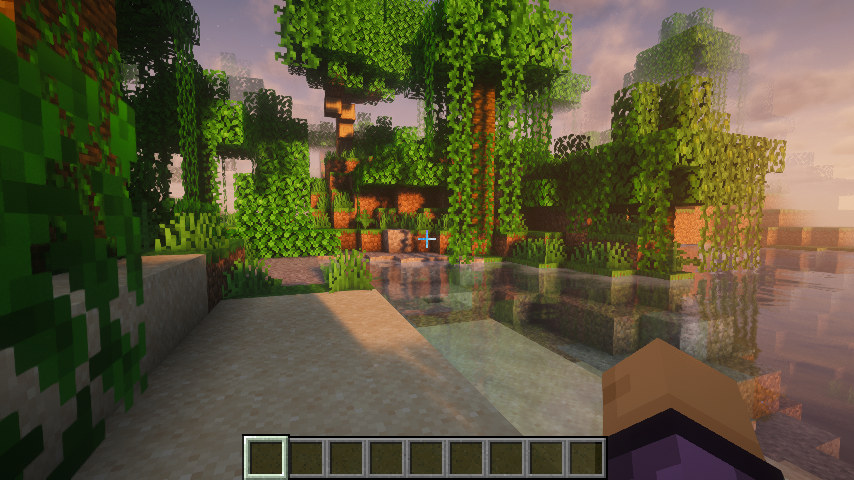
- minecraft-1.21.4-fabric-iris-mellow-in-world: captured from Minecraft 1.21.4 Fabric with Sodium, Iris, and Mellow
after entering a singleplayer world.
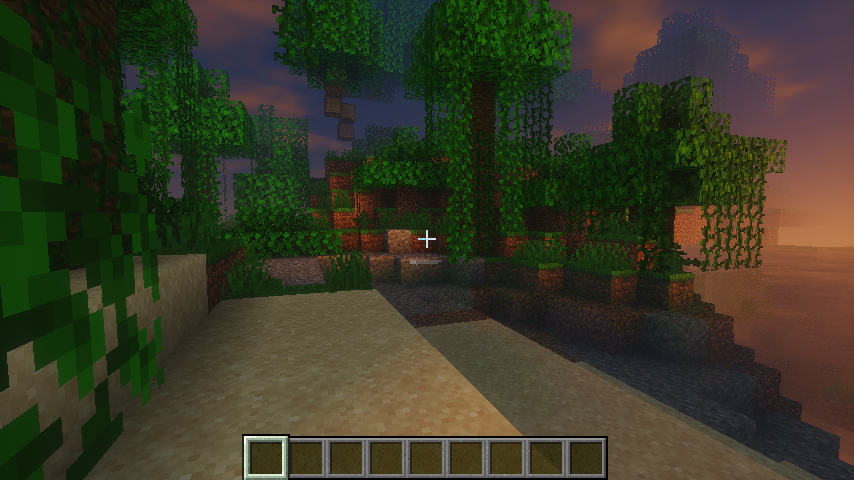
- minecraft-1.21.4-fabric-iris-nostalgia-in-world: captured from Minecraft 1.21.4 Fabric with Sodium, Iris, and
Nostalgia after entering a singleplayer world.
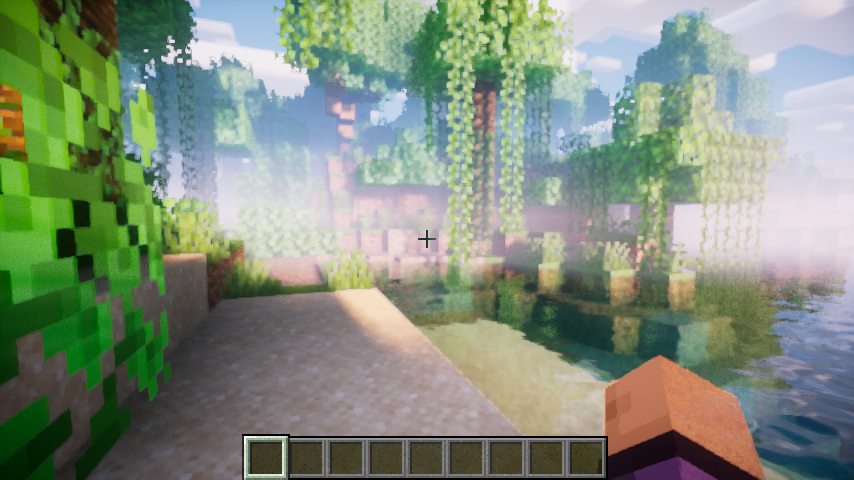
- minecraft-1.21.4-fabric-iris-bliss-in-world: captured from Minecraft 1.21.4 Fabric with Sodium, Iris, and Bliss
after entering a singleplayer world.

- minecraft-1.21.4-fabric-iris-chocapic-v6-lite-in-world: captured from Minecraft 1.21.4 Fabric with Sodium, Iris, and
Chocapic V6 Lite after entering a singleplayer world.
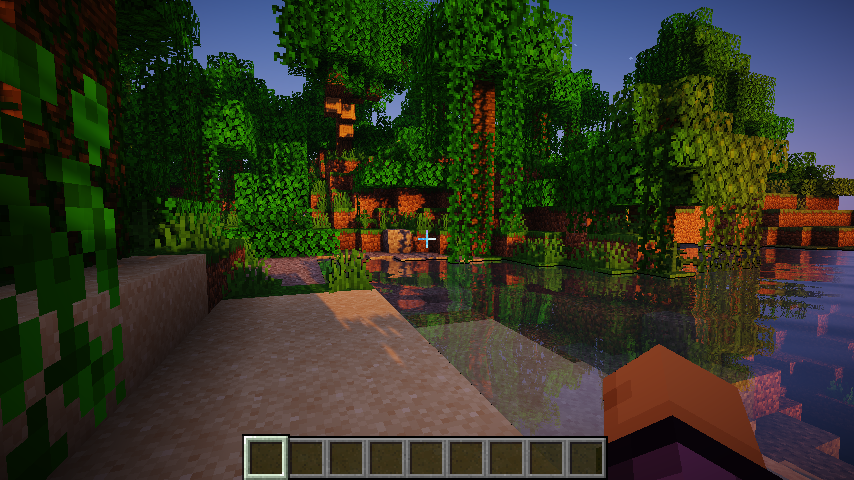
- minecraft-1.21.4-fabric-iris-iterationt-in-world: captured from Minecraft 1.21.4 Fabric with Sodium, Iris, and
iterationT after entering a singleplayer world.
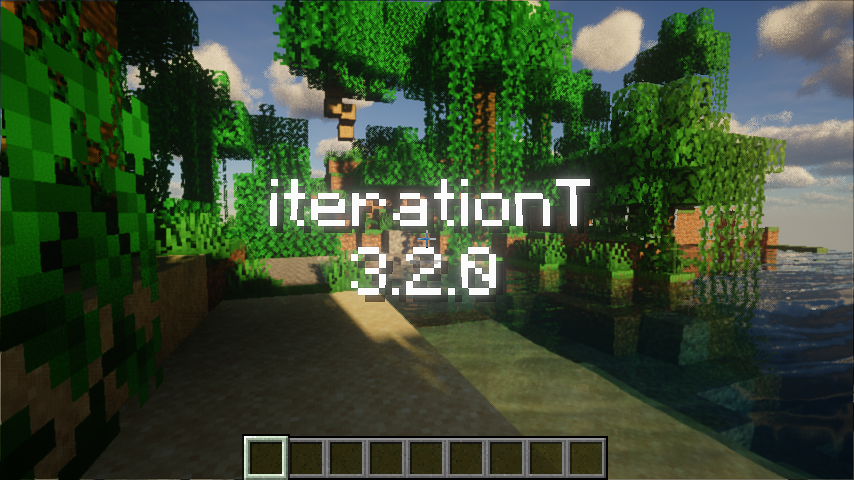
- minecraft-1.21.4-fabric-iris-iterationt-nodsa-in-world: captured from Minecraft 1.21.4 Fabric with Sodium, Iris, and
iterationT after entering a singleplayer world, with Iris' DSA path disabled.

- minecraft-1.21.4-fabric-iris-iterationrp-in-world: captured from Minecraft 1.21.4 Fabric with Sodium, Iris, and
iterationRP after entering a singleplayer world, framing the iterationRP name overlay over a lake with far-shore
tree reflections. iterationRP's temporal auto-exposure makes a single-frame trim overexpose and drop the overlay,
so the fixture is a prefix trace (all calls up to the target frame) that replays the temporal state. The pack also
gates an NVIDIA-only shadow path (
subgroupPartitionNV,GL_NV_shader_subgroup_partitioned) on the GL vendor string, so the capture reports a masked vendor and the trace carries the portablesubgroupShuffleXorpath that non-NVIDIA GPUs take. The trace archive and golden are not committed yet (the repository's Git LFS quota rejects new objects withGH009); the case stays registered and its fixture files are hydrated from the trace fixture mirror. - minecraft-1.21.4-fabric-iris-photon-v1.1-in-world: captured from Minecraft 1.21.4 Fabric with Sodium, Iris, and
Photon v1.1 after entering a singleplayer world.
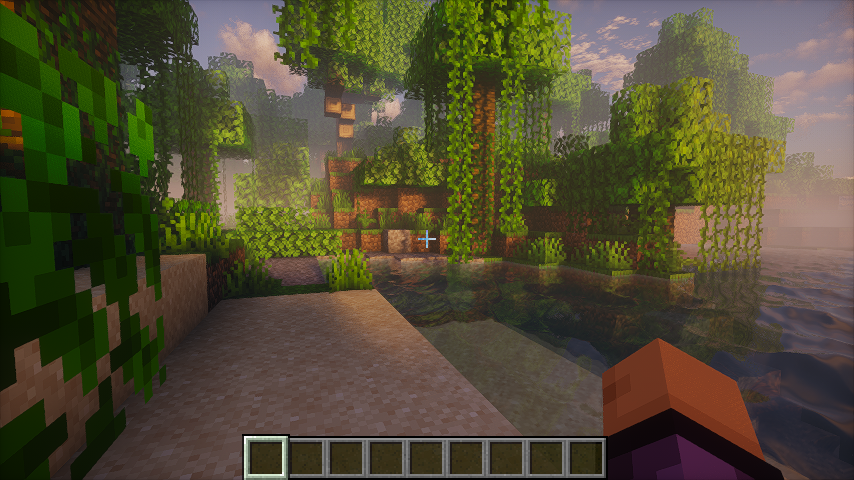
- minecraft-1.21.4-fabric-iris-photon-v1.3b-in-world: captured from Minecraft 1.21.4 Fabric with Sodium, Iris, and
Photon v1.3b after entering a singleplayer world.

- minecraft-1.21.4-fabric-iris-derivative-main-d24.4.14-in-world: captured from Minecraft 1.21.4 Fabric with Sodium,
Iris, and Derivative Main d24.4.14 after entering a singleplayer world.

- minecraft-1.21.4-fabric-iris-sundial-lite-in-world: captured from Minecraft 1.21.4 Fabric with Sodium, Iris, and
Sundial Lite after entering a singleplayer world.
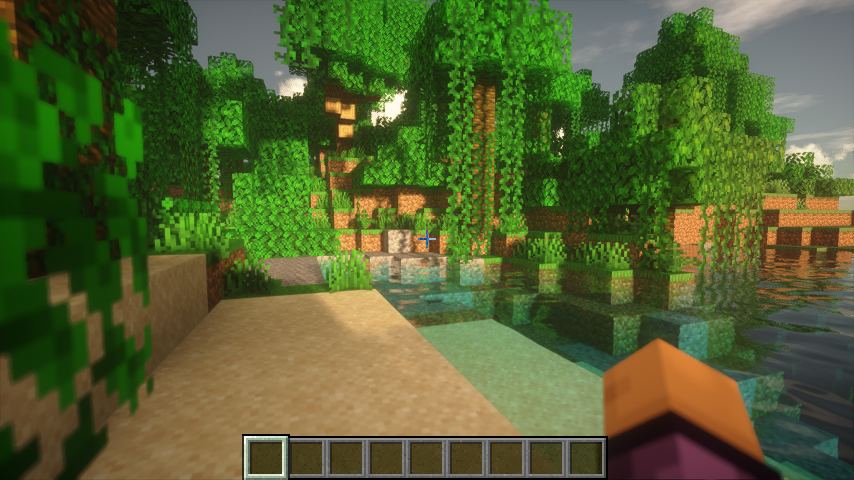
- minecraft-1.21.1-neoforge-create-indirect-in-world: captured from Minecraft 1.21.1 NeoForge with Create, Sodium,
and Iris (no shader pack) in a world facing Create water wheels and a large cogwheel, with Flywheel's
flywheel:indirectbackend (compute-shader culling, glMultiDrawElementsIndirect, persistent-mapped staging).
- minecraft-1.21.1-neoforge-create-instancing-in-world: same world and camera as the indirect case, with Flywheel's
flywheel:instancingbackend (texture-buffer instance data, glDrawElementsInstancedBaseVertex).


Build from the MobileGL repository root:
cmake -S . -B build-test -G Ninja \
  -DMOBILEGL_BUILD_TEST=ON \
  -DMOBILEGL_BUILD_BENCHMARK=OFF \
  -DMOBILEGL_BUILD_TRACE_REPLAY=ON
cmake --build build-test
Run the fixture tests:
ctest --test-dir build-test -V -R 'MobileGLTraceReplay\.'
Run the CLI directly:
build-test/tools/trace_replay/mobilegl_trace_replay \
  --trace openra.trace \
  --golden openra.0000031249.png \
  --output out/openra \
  --backend DirectGLES \
  --mobilegl-library build-test/libMobileGL.so \
  --target-call 31249 \
  --width 640 \
  --height 480 \
  --crop-x 1 \
  --crop-y 1 \
  --crop-width 638 \
  --crop-height 478 \
  --ssim-threshold 0.99
Run the macOS native-window DirectVulkan retrace matrix and render the same HTML overview shape as CI:
cmake -S . -B cmake-build-macos-trace-arm64 -G Ninja \
  -DCMAKE_BUILD_TYPE=Release \
  -DCMAKE_OSX_ARCHITECTURES=arm64 \
  -DMOBILEGL_BUILD_TEST=OFF \
  -DMOBILEGL_BUILD_BENCHMARK=OFF \
  -DMOBILEGL_BUILD_TRACE_REPLAY=ON
cmake --build cmake-build-macos-trace-arm64 --target MobileGL mobilegl_trace_replay
python3 tools/trace_replay/run_macos_window_retrace_local.py --ci --all
open .trace-work/macos-window-retrace-summary/mobilegl-macos-window-vulkan-retrace-overview.html
The macOS runner hydrates missing fixtures from the trace fixture mirror with
parallel downloads before falling back to Git LFS. It reuses the
cmake-build-macos-trace-arm64 harness by default on Apple Silicon, passes
--window-surface, and defaults to DirectVulkan only. If a native-window replay
hits a fatal assertion, the runner writes a failure result and stops before
launching later cases; use --continue-after-fatal to collect the full matrix,
or --skip-case NAME for known fatal cases.
Android device replay
Build and install the generic trace APK from the repository root. Both
DirectGLES and DirectVulkan use the same APK and package; select the
backend with the intent's backend extra.
gradle --no-daemon -p android-plugin :app:assembleTraceDebug
TRACE_APK=$(find android-plugin/app/build/outputs/apk/trace/debug -maxdepth 1 -name '*.apk' -print -quit)
adb install -r "$TRACE_APK"
Prepare a fixture and copy it into the app-private directory:
mkdir -p /tmp/mobilegl-openra
tar -xzf tools/trace_replay/fixtures/openra.tgz -C /tmp/mobilegl-openra
adb push /tmp/mobilegl-openra/openra.trace /data/local/tmp/mobilegl-openra.trace
adb push tools/trace_replay/fixtures/openra.0000031249.png /data/local/tmp/mobilegl-openra.golden.png

PKG=top.mobilegl.plugin.trace
APP_DIR=/data/user/0/$PKG/files/trace-replay
adb shell run-as $PKG rm -rf files/trace-replay
adb shell run-as $PKG mkdir -p files/trace-replay/input files/trace-replay/output
adb shell run-as $PKG cp /data/local/tmp/mobilegl-openra.trace files/trace-replay/input/openra.trace
adb shell run-as $PKG cp /data/local/tmp/mobilegl-openra.golden.png files/trace-replay/input/openra.golden.png
Launch the standalone trace runner Activity:
adb shell am force-stop $PKG
adb shell am start -W -a top.mobilegl.plugin.TRACE_REPLAY \
  -n $PKG/top.mobilegl.plugin.trace.TraceReplayActivity \
  --es trace_path $APP_DIR/input/openra.trace \
  --es golden_path $APP_DIR/input/openra.golden.png \
  --es output_dir $APP_DIR/output \
  --es diff_path $APP_DIR/output/openra-diff.png \
  --es backend DirectGLES \
  --el target_call 31249 \
  --ei width 640 \
  --ei height 480 \
  --ei crop_x 1 \
  --ei crop_y 1 \
  --ei crop_width 638 \
  --ei crop_height 478 \
  --es ssim_threshold 0.99
Read back the result and images:
adb shell run-as $PKG cat files/trace-replay/output/result.json
adb exec-out run-as $PKG cat files/trace-replay/output/actual.png > openra-actual.png
adb exec-out run-as $PKG cat files/trace-replay/output/openra-diff.png > openra-diff.png
For Vulkan replay, keep the same APK and $PKG, then pass
--es backend DirectVulkan. DirectGLES also renders to the Activity surface by
default; pass --ez use_pbuffer true to use the offscreen pbuffer path. Always
adb shell am force-stop $PKG before another replay: apitrace snapshot state is
process-local. For cases registered with coherent_as_flush (Flywheel-style
unflushed persistent maps, e.g. the Create fixtures), pass
--ez coherent_as_flush true so the replay runs with
MOBILEGL_COHERENT_AS_FLUSH=1.