 swung0x48
eadf7bc474
swung0x48
eadf7bc474
Initialize the desktop replay Request from the three iterationRP environment flags before loading MobileGL. Without this, the Request defaults caused the replay core to unset CI's exported flags, leaving all repairs disabled despite the workflow configuration.
MobileGL trace replay
This directory builds a Linux command line replay runner for apitrace files. It is an integration testing infrastructure of MobileGL.
The bundled fixtures cover:
- OpenRA: sourced from GL4ES' apitrace corpus.

- minecraft-1.21.4-startup: captured from Minecraft 1.21.4's startup screen.

- minecraft-1.21.4-main-menu: captured from Minecraft 1.21.4's main menu.
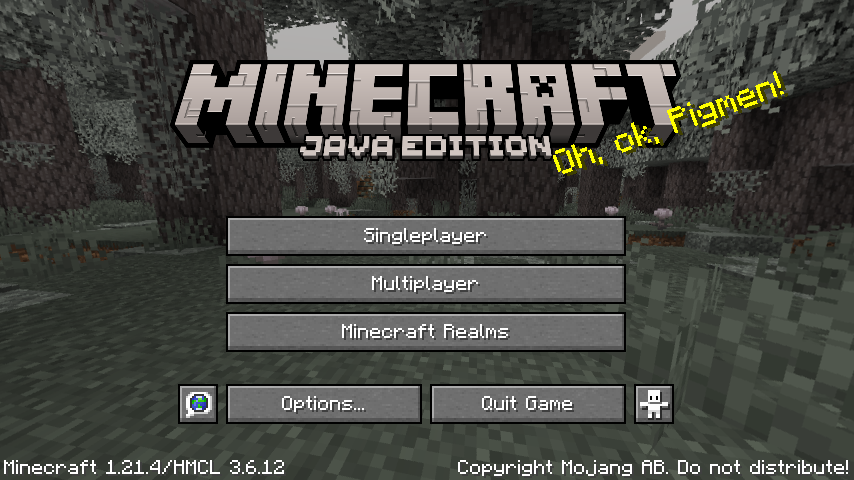
- minecraft-1.21.11-main-menu: captured from Minecraft 1.21.11's main menu on a Pixel 8 Pro through FCL MobileGL.

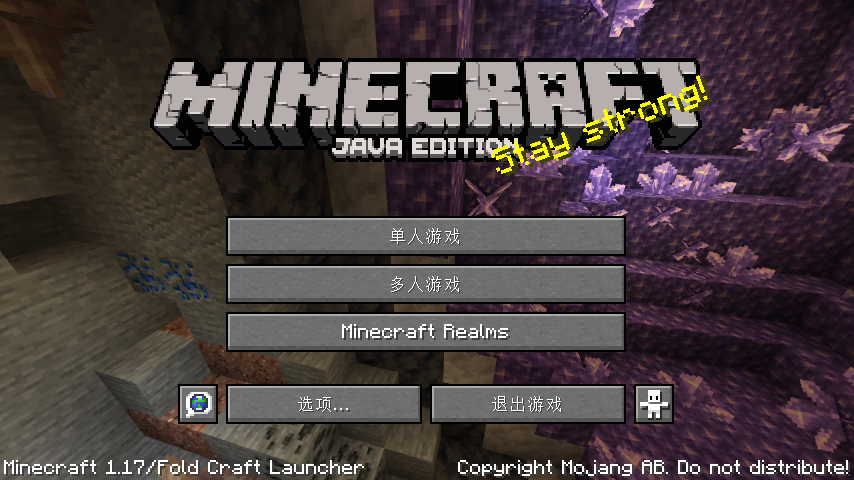
- minecraft-1.17-main-menu-854: captured from Minecraft 1.17's 854x480 main menu through FCL MobileGL capture.
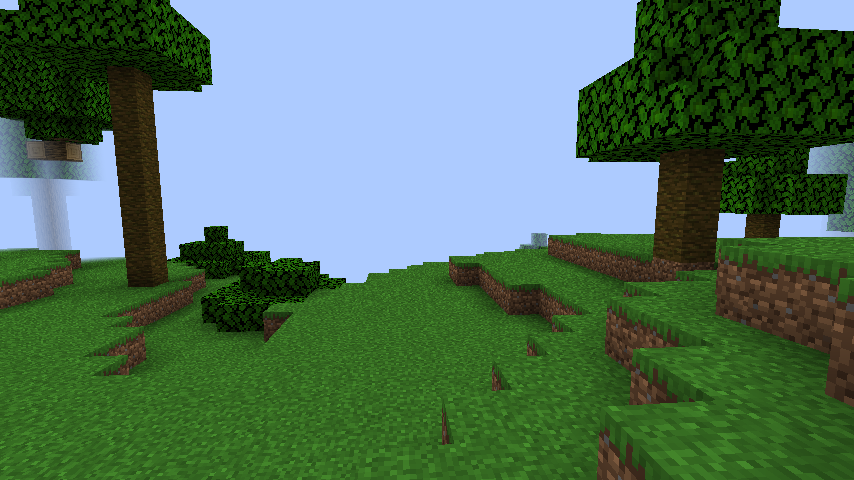
- minecraft-1.21.4-in-world: captured from Minecraft 1.21.4 after entering a singleplayer world.
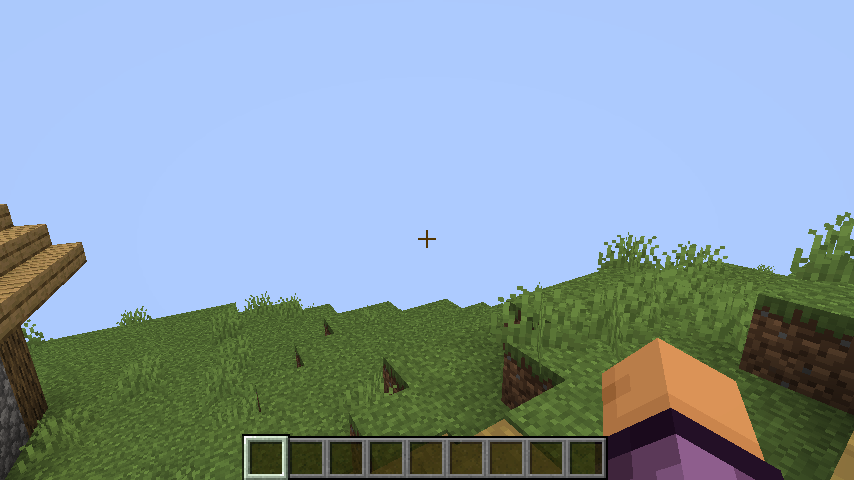
- minecraft-1.21.4-fabric-sodium-in-world: captured from Minecraft 1.21.4 Fabric with Sodium after entering a
singleplayer world with Fancy graphics.
- improved-transparency-minecraft-26.3: captured from the Minecraft 26.3 improved-transparency scene.

- minecraft-1.21.4-fabric-common-mods-in-world: captured from Minecraft 1.21.4 Fabric with Sodium, Iris, REI,
Xaero's Minimap, Xaero's World Map, JourneyMap, and Modern UI, with shader packs disabled.
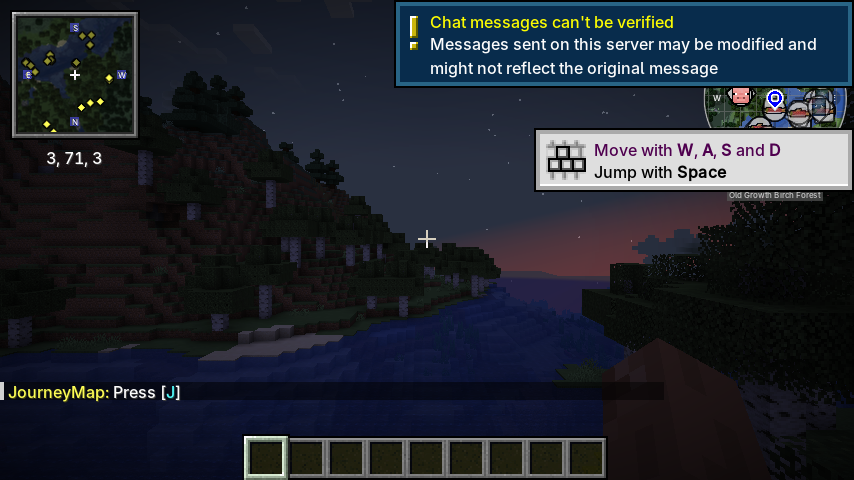
- minecraft-1.21.4-fabric-common-mods-inventory: captured from Minecraft 1.21.4 Fabric with Sodium, Iris, REI,
Xaero's Minimap, Xaero's World Map, JourneyMap, and Modern UI with the creative inventory and REI item list open.
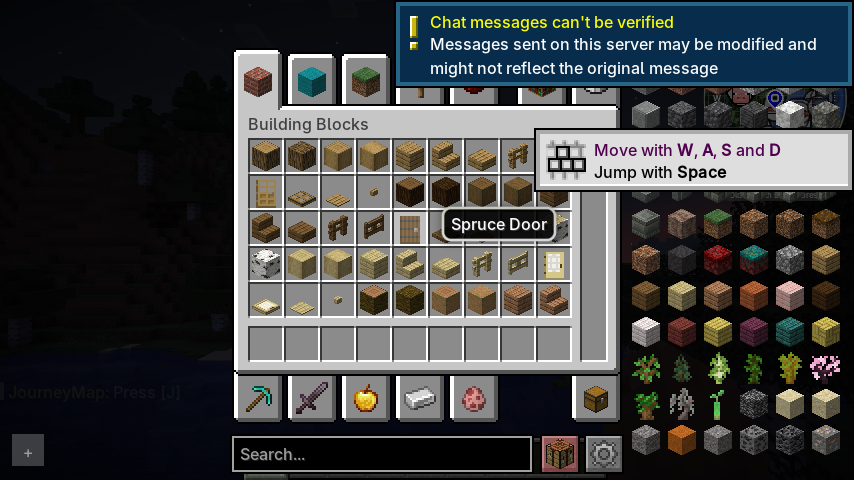
- minecraft-1.21.4-fabric-rei-inventory: captured from Minecraft 1.21.4 Fabric with Sodium, Iris, and REI, with
shader packs disabled and the creative inventory and REI item list open.
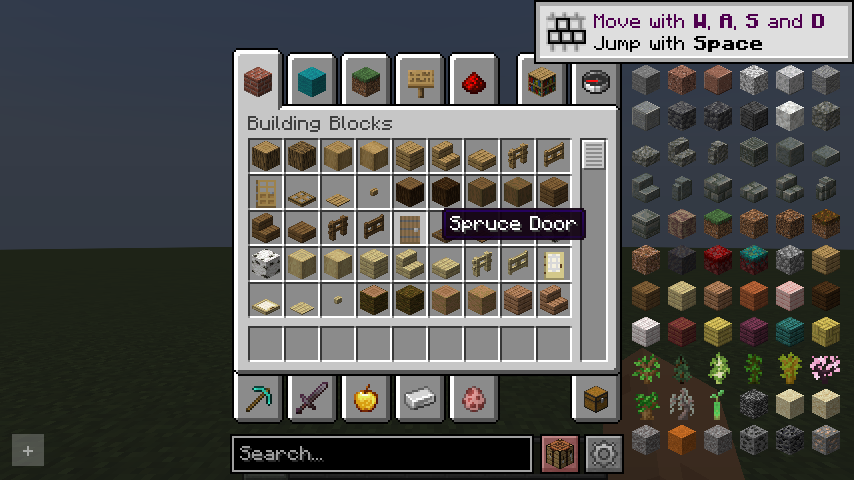
- minecraft-1.21.4-fabric-xaero-minimap-in-world: captured from Minecraft 1.21.4 Fabric with Sodium, Iris, and
Xaero's Minimap after entering a singleplayer world with shader packs disabled.
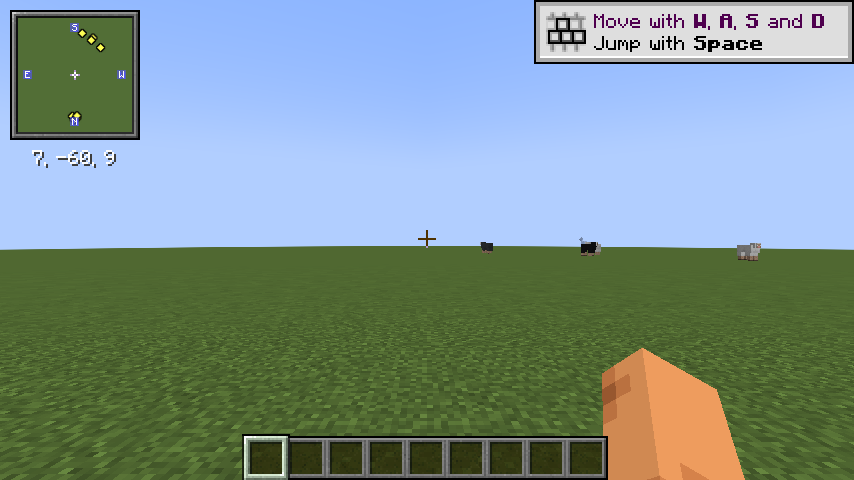
- minecraft-1.21.4-fabric-xaero-world-map-in-world: captured from Minecraft 1.21.4 Fabric with Sodium, Iris, and
Xaero's World Map, with shader packs disabled and the world map screen open.
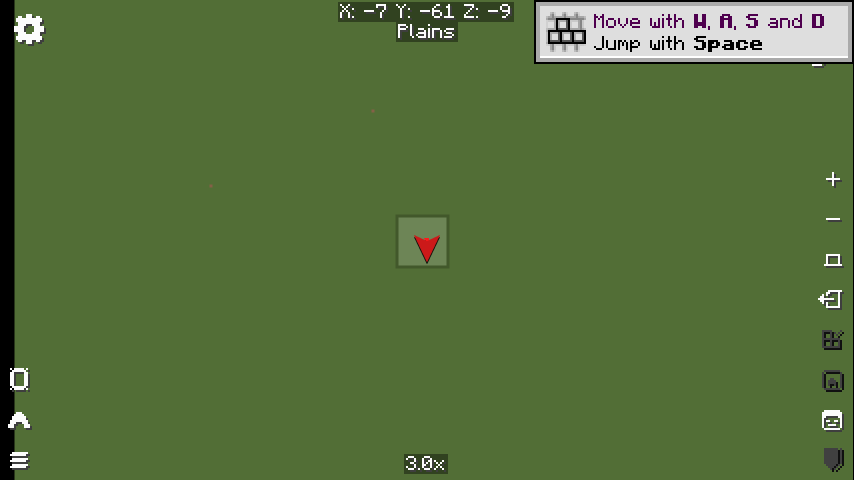
- minecraft-1.21.4-fabric-journeymap-in-world: captured from Minecraft 1.21.4 Fabric with Sodium, Iris, and
JourneyMap after entering a singleplayer world with shader packs disabled.
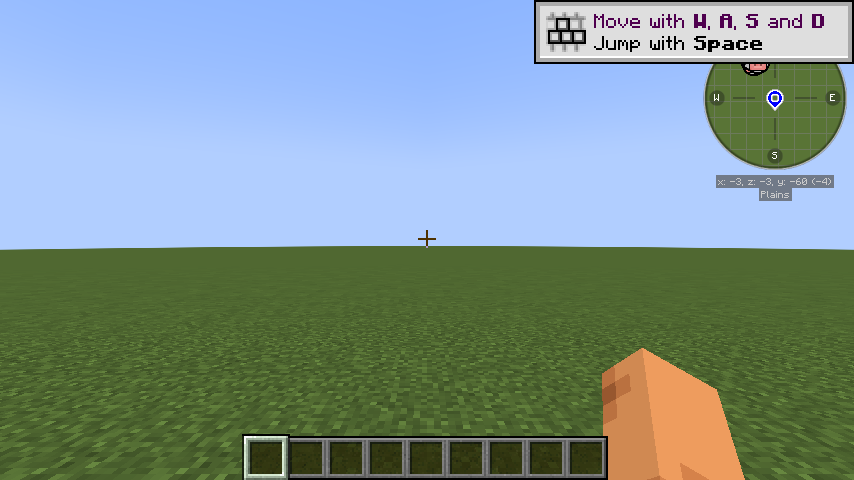
- minecraft-1.21.4-fabric-modernui-inventory: captured from Minecraft 1.21.4 Fabric with Sodium, Iris, and Modern UI,
with shader packs disabled and the creative inventory open.
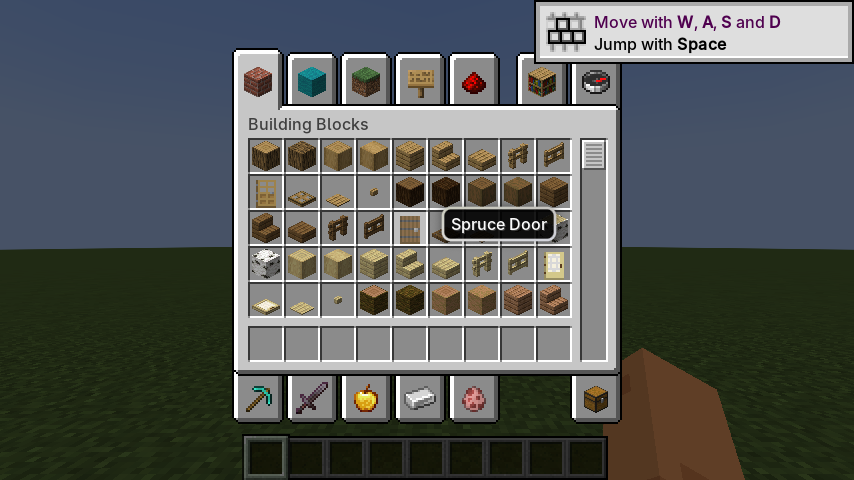
- minecraft-1.21.4-fabric-rei-inventory-normal-world: captured from Minecraft 1.21.4 Fabric with Sodium, Iris, and
REI in a normal singleplayer world, with shader packs disabled and the creative inventory and REI item list open.
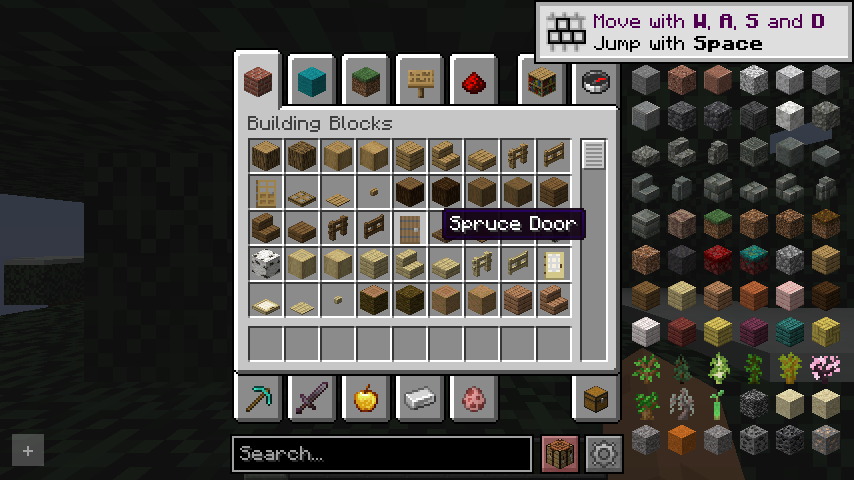
- minecraft-1.21.4-fabric-xaero-minimap-in-world-normal-world: captured from Minecraft 1.21.4 Fabric with Sodium,
Iris, and Xaero's Minimap after entering a normal singleplayer world with shader packs disabled.
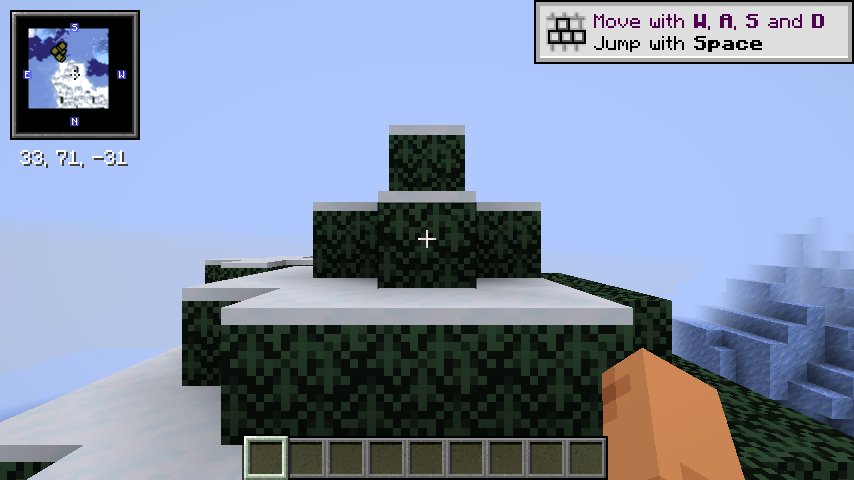
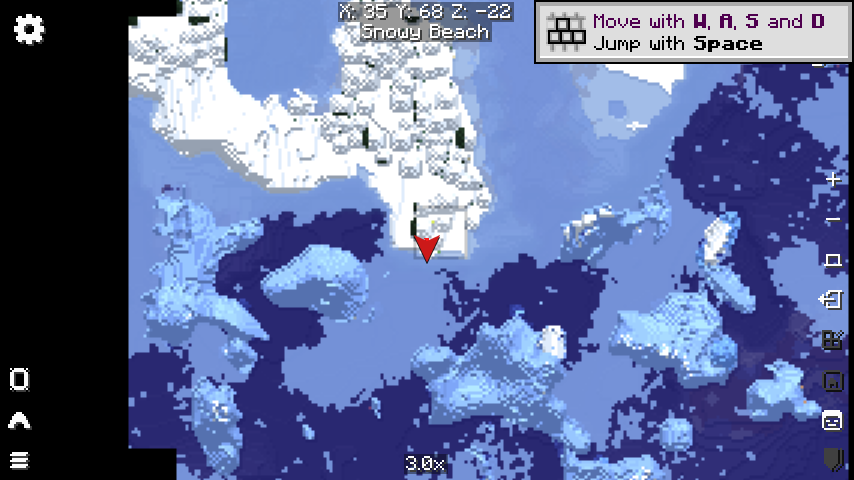
- minecraft-1.21.4-fabric-xaero-world-map-in-world-normal-world: captured from Minecraft 1.21.4 Fabric with Sodium,
Iris, and Xaero's World Map in a normal singleplayer world, with shader packs disabled and the world map screen open.
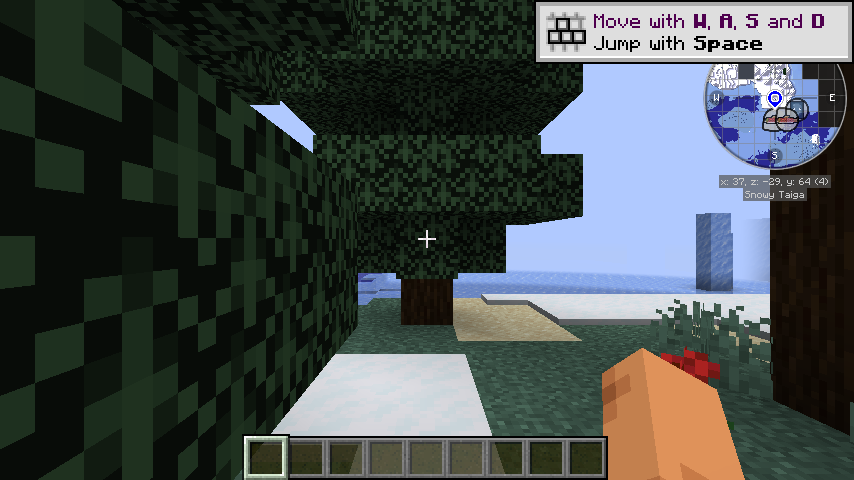
- minecraft-1.21.4-fabric-journeymap-in-world-normal-world: captured from Minecraft 1.21.4 Fabric with Sodium, Iris,
and JourneyMap after entering a normal singleplayer world with shader packs disabled.
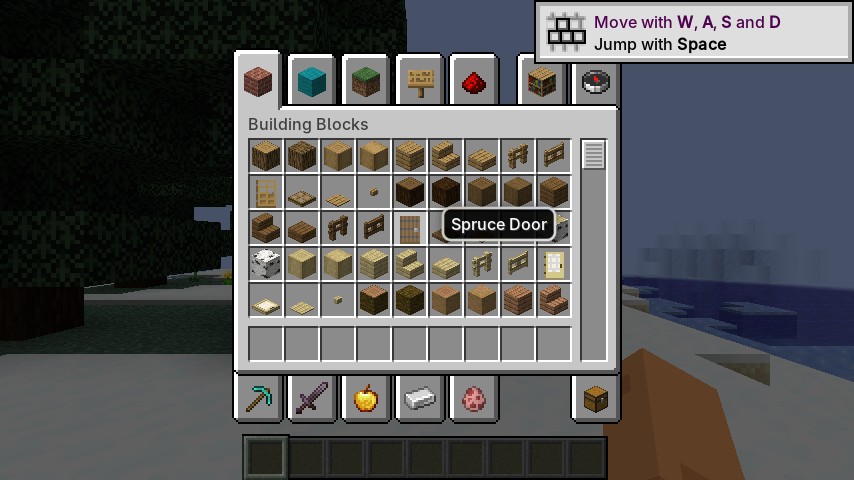
- minecraft-1.21.4-fabric-modernui-inventory-normal-world: captured from Minecraft 1.21.4 Fabric with Sodium, Iris,
and Modern UI in a normal singleplayer world, with shader packs disabled and the creative inventory open.
- minecraft-1.21.4-fabric-iris-bsl-in-world: captured from Minecraft 1.21.4 Fabric with Sodium, Iris, and BSL
Shaders after entering a singleplayer world.
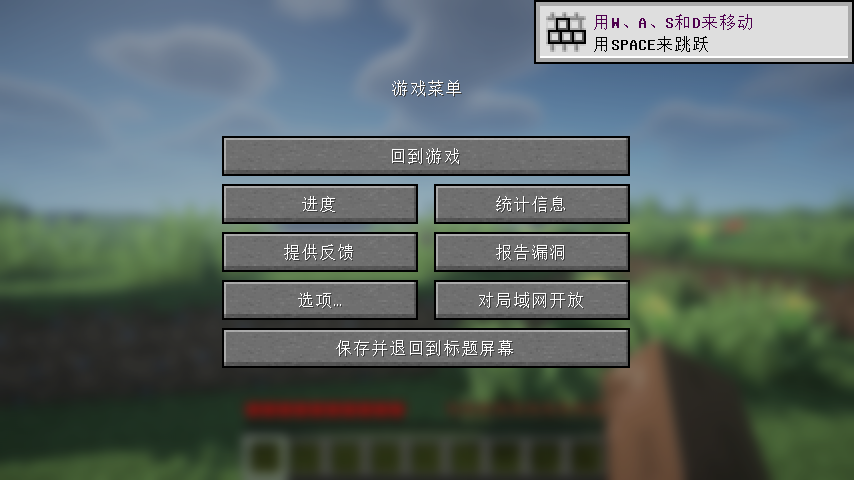
- minecraft-1.21.4-fabric-iris-bsl-esc-menu-854: captured on an Android device (Mali-G77, FCL MobileGL capture) from
Minecraft 1.21.4 Fabric with Sodium, Iris, and BSL Shaders, at the pause menu over a BSL-blurred world. The frame
pins glyph rendering: every menu label, the menu title and the tutorial toast must be present. Regressions in the
DirectGLES per-draw texture memo have made the whole text path disappear here while sprites kept rendering, so a
failure that leaves the buttons but empties them is the signature to look for in the diff.
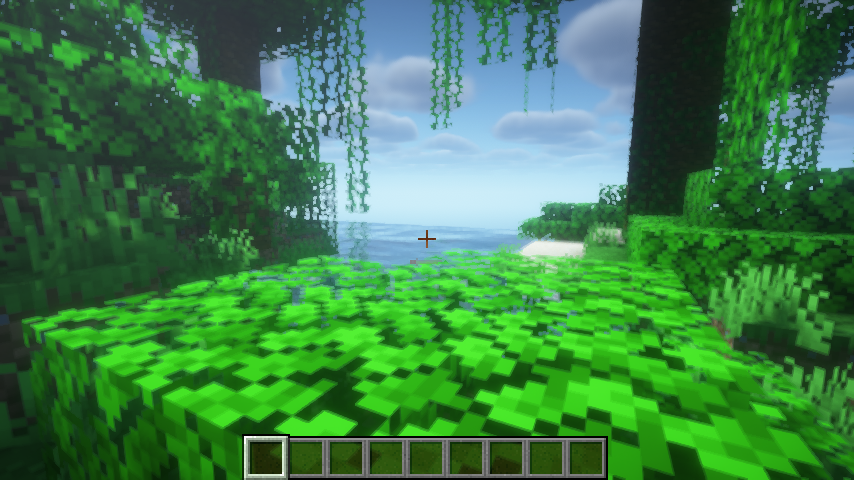
- minecraft-1.21.4-fabric-iris-makeup-ultrafast-in-world: captured from Minecraft 1.21.4 Fabric with Sodium, Iris, and
MakeUP UltraFast after entering a singleplayer world.
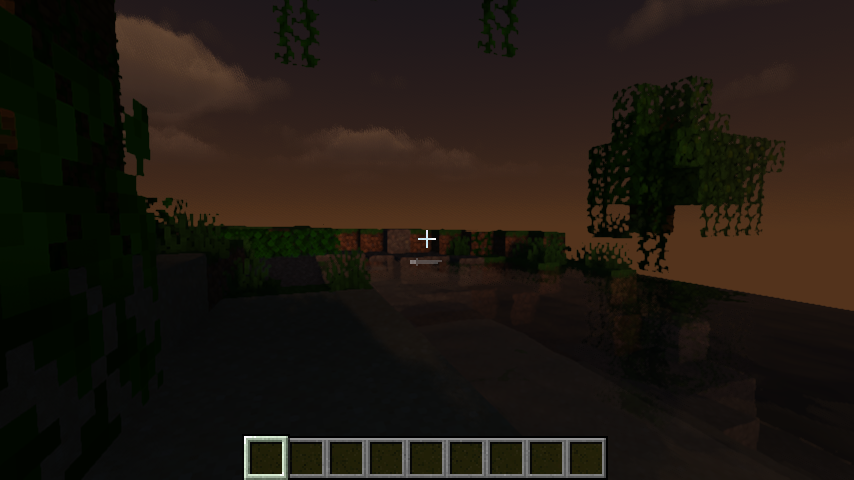
- minecraft-1.21.4-fabric-iris-super-duper-vanilla-in-world: captured from Minecraft 1.21.4 Fabric with Sodium, Iris,
and Super Duper Vanilla after entering a singleplayer world.
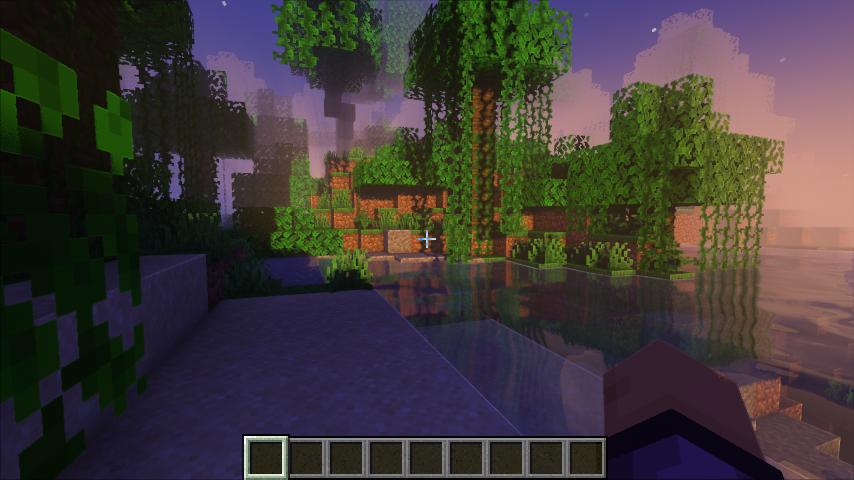
- minecraft-1.21.4-fabric-iris-complementary-reimagined-in-world: captured from Minecraft 1.21.4 Fabric with Sodium,
Iris, and Complementary Reimagined after entering a singleplayer world.
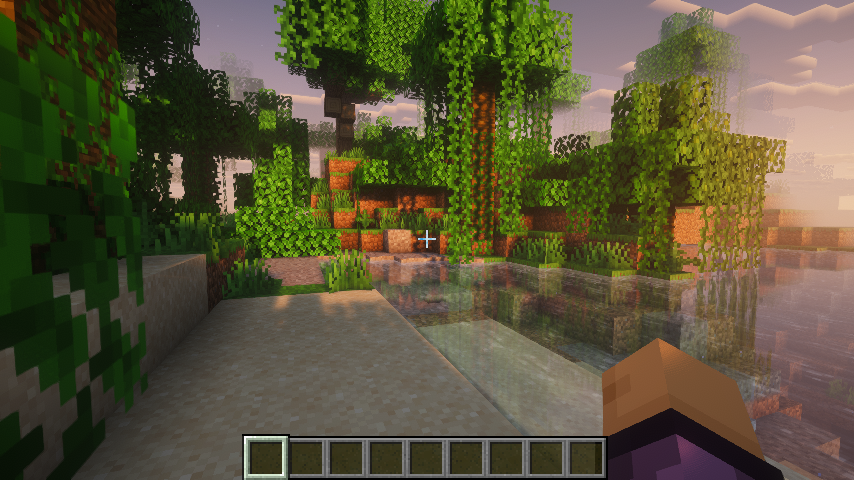
- minecraft-1.21.4-fabric-iris-complementary-unbound-in-world: captured from Minecraft 1.21.4 Fabric with Sodium,
Iris, and Complementary Unbound after entering a singleplayer world.
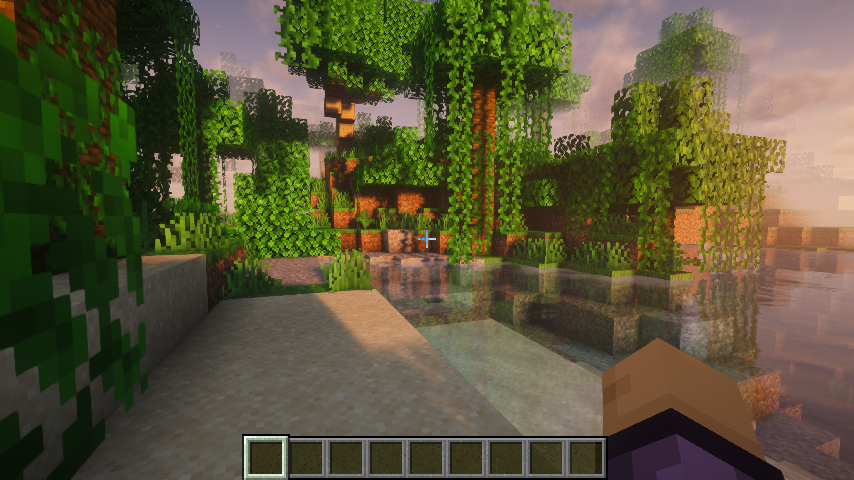
- minecraft-1.21.4-fabric-iris-mellow-in-world: captured from Minecraft 1.21.4 Fabric with Sodium, Iris, and Mellow
after entering a singleplayer world.
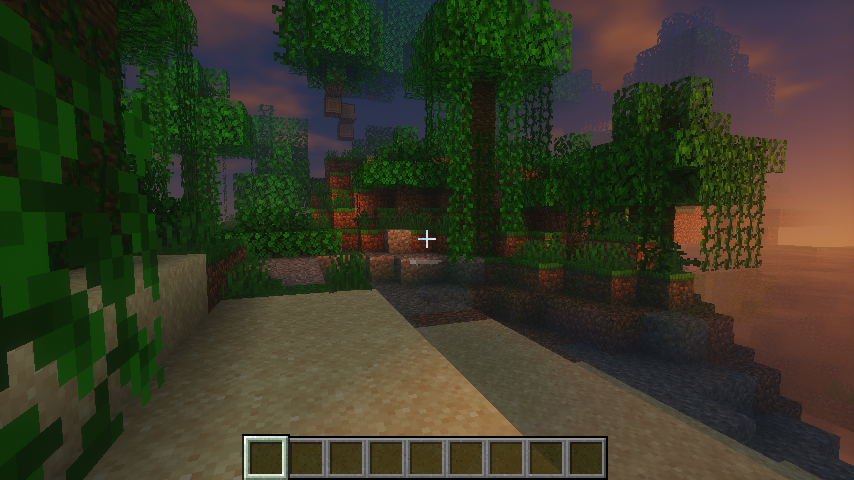
- minecraft-1.21.4-fabric-iris-nostalgia-in-world: captured from Minecraft 1.21.4 Fabric with Sodium, Iris, and
Nostalgia after entering a singleplayer world.
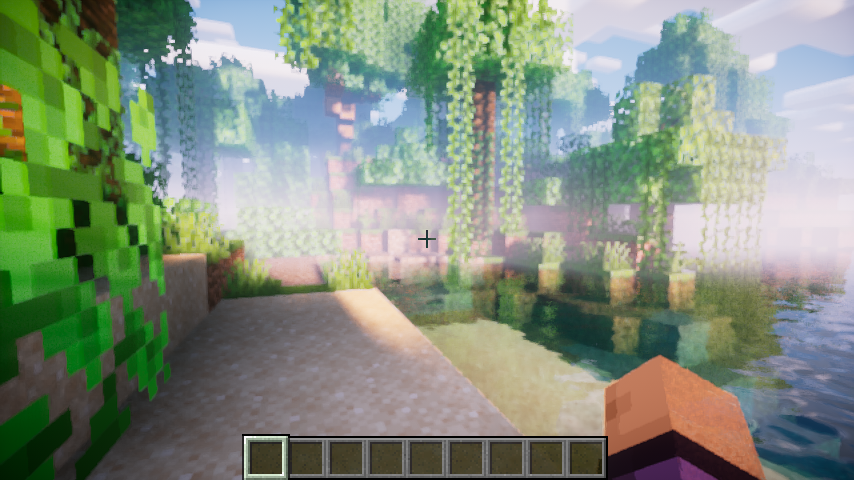
- minecraft-1.21.4-fabric-iris-bliss-in-world: captured from Minecraft 1.21.4 Fabric with Sodium, Iris, and Bliss
after entering a singleplayer world.
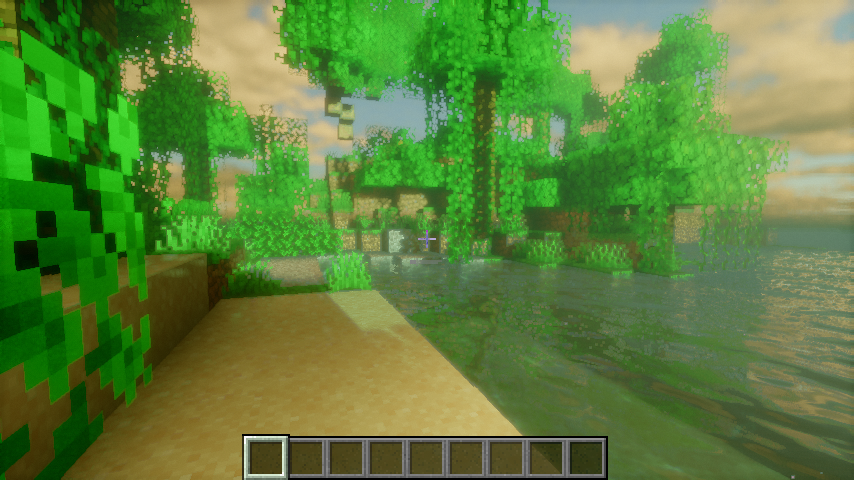
- minecraft-1.21.4-fabric-iris-chocapic-v6-lite-in-world: captured from Minecraft 1.21.4 Fabric with Sodium, Iris, and
Chocapic V6 Lite after entering a singleplayer world.
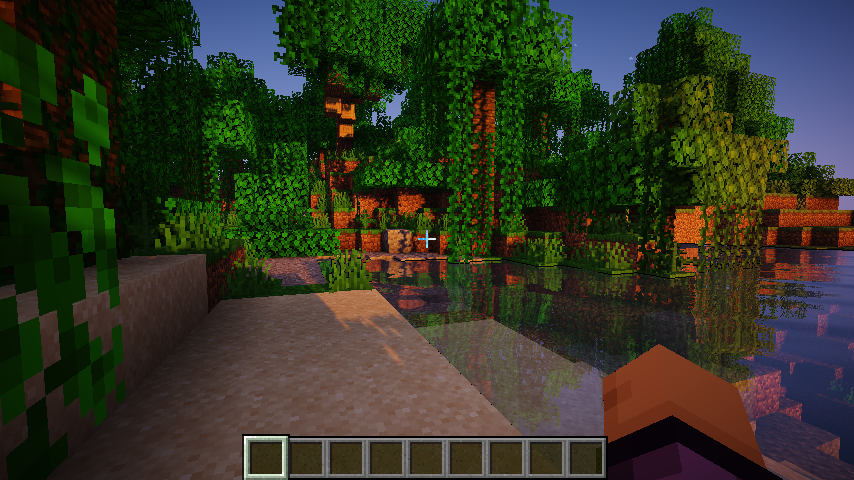
- minecraft-1.21.4-fabric-iris-iterationt-in-world: captured from Minecraft 1.21.4 Fabric with Sodium, Iris, and
iterationT after entering a singleplayer world.
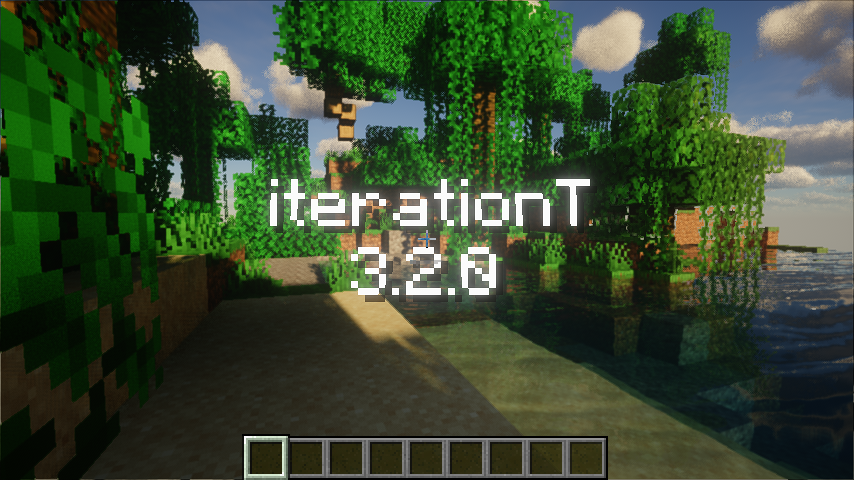
- minecraft-1.21.4-fabric-iris-iterationt-nodsa-in-world: captured from Minecraft 1.21.4 Fabric with Sodium, Iris, and
iterationT after entering a singleplayer world, with Iris' DSA path disabled.
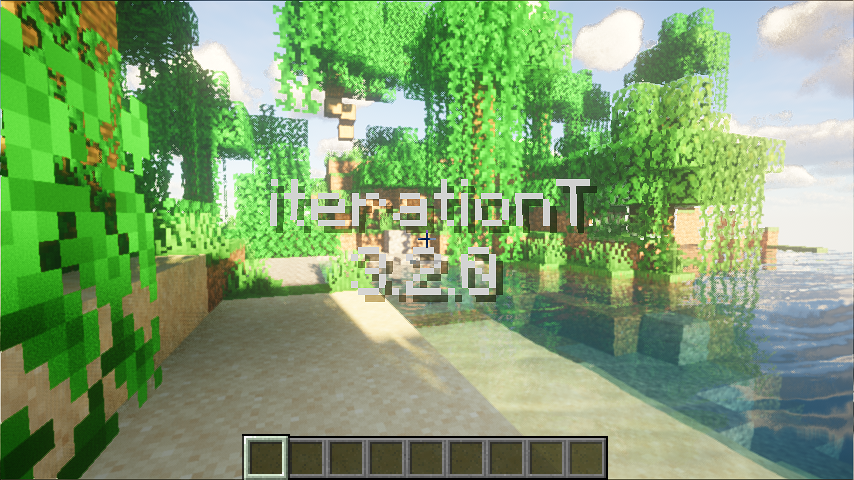
- minecraft-1.21.4-fabric-iris-iterationrp-in-world: captured from Minecraft 1.21.4 Fabric with Sodium, Iris, and
iterationRP after entering a singleplayer world, framing the iterationRP name overlay over a lake with far-shore
tree reflections. iterationRP's temporal auto-exposure makes a single-frame trim overexpose and drop the overlay,
so the fixture is a prefix trace (all calls up to the target frame) that replays the temporal state. The pack also
gates an NVIDIA-only shadow path (
subgroupPartitionNV,GL_NV_shader_subgroup_partitioned) on the GL vendor string, so the capture reports a masked vendor and the trace carries the portablesubgroupShuffleXorpath that non-NVIDIA GPUs take. The trace archive and golden are not committed yet (the repository's Git LFS quota rejects new objects withGH009); the case stays registered and its fixture files are hydrated from the trace fixture mirror. - minecraft-1.21.4-fabric-iris-photon-v1.1-in-world: captured from Minecraft 1.21.4 Fabric with Sodium, Iris, and
Photon v1.1 after entering a singleplayer world.
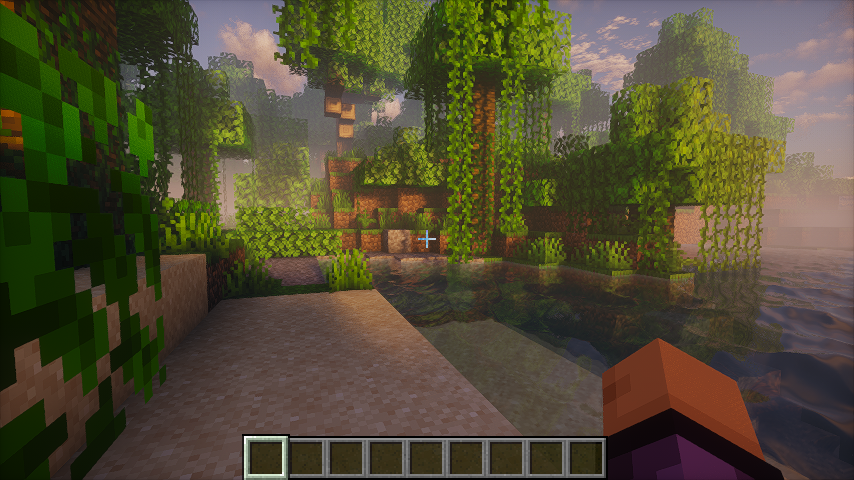
- minecraft-1.21.4-fabric-iris-photon-v1.3b-in-world: captured from Minecraft 1.21.4 Fabric with Sodium, Iris, and
Photon v1.3b after entering a singleplayer world.
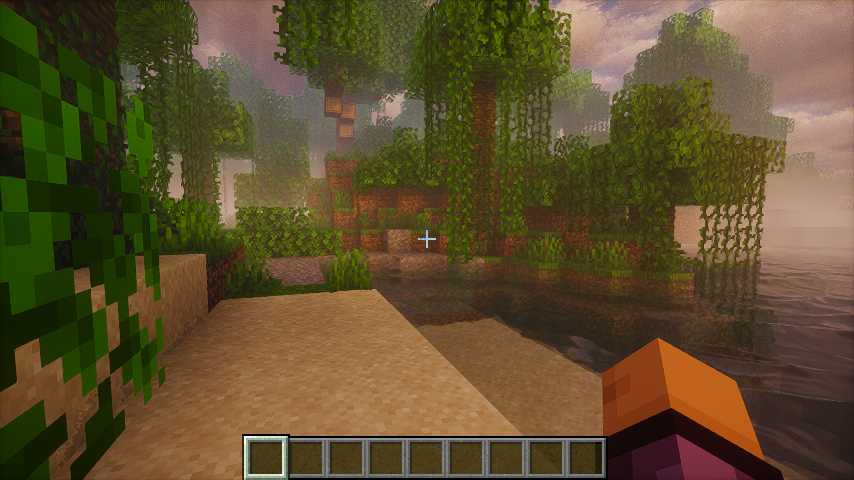
- minecraft-1.21.4-fabric-iris-derivative-main-d24.4.14-in-world: captured from Minecraft 1.21.4 Fabric with Sodium,
Iris, and Derivative Main d24.4.14 after entering a singleplayer world.
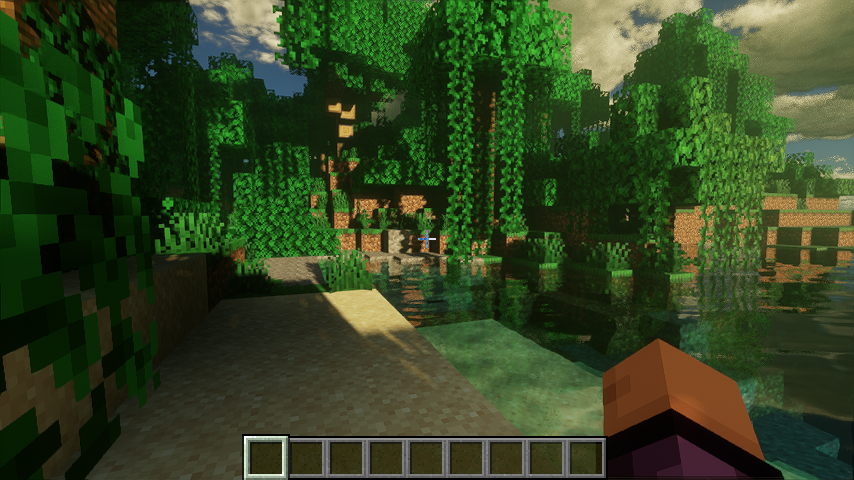
- minecraft-1.21.4-fabric-iris-sundial-lite-in-world: captured from Minecraft 1.21.4 Fabric with Sodium, Iris, and
Sundial Lite after entering a singleplayer world.
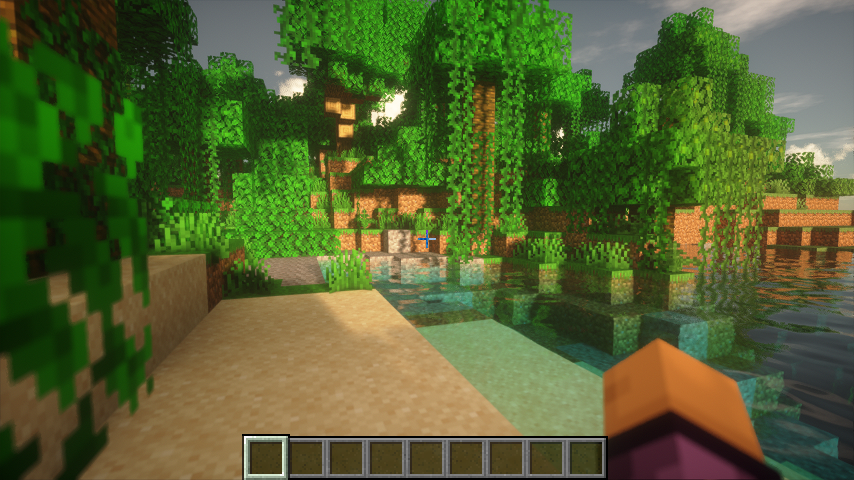
- minecraft-1.21.1-neoforge-create-indirect-in-world: captured from Minecraft 1.21.1 NeoForge with Create, Sodium,
and Iris (no shader pack) in a world facing Create water wheels and a large cogwheel, with Flywheel's
flywheel:indirectbackend (compute-shader culling, glMultiDrawElementsIndirect, persistent-mapped staging).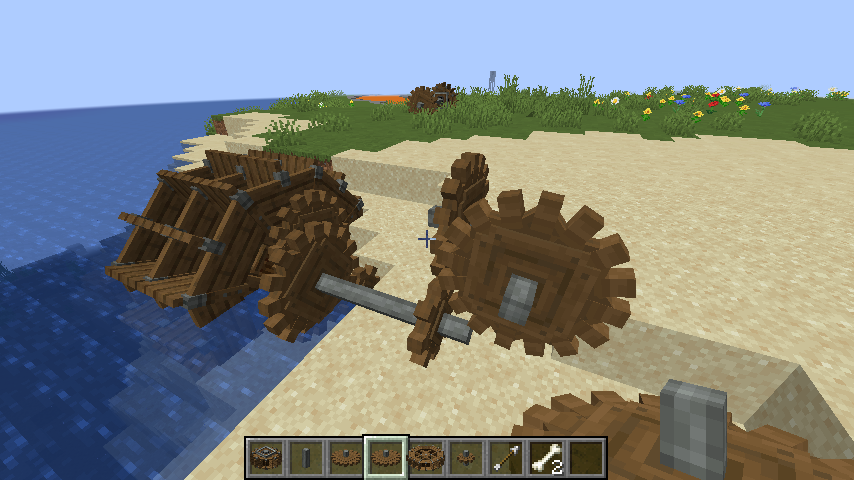
- minecraft-1.21.1-neoforge-create-instancing-in-world: same world and camera as the indirect case, with Flywheel's
flywheel:instancingbackend (texture-buffer instance data, glDrawElementsInstancedBaseVertex).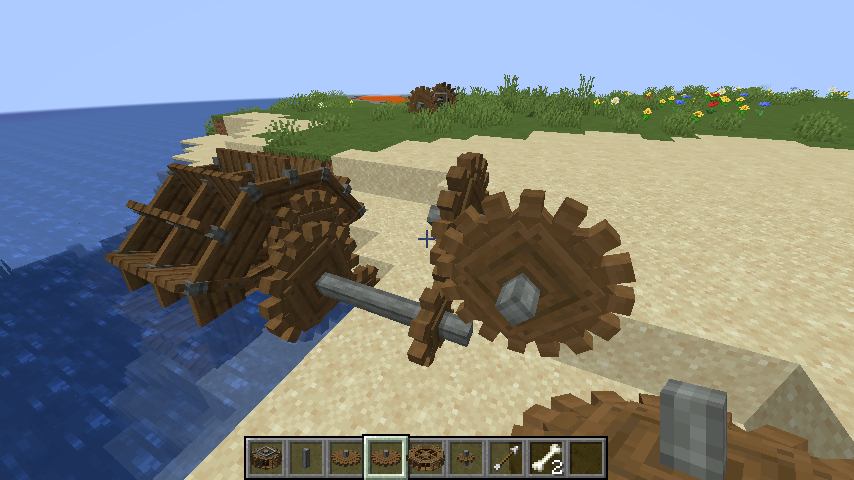


Build from the MobileGL repository root:
cmake -S . -B build-test -G Ninja \
  -DMOBILEGL_BUILD_TEST=ON \
  -DMOBILEGL_BUILD_BENCHMARK=OFF \
  -DMOBILEGL_BUILD_TRACE_REPLAY=ON
cmake --build build-test
Run the fixture tests:
ctest --test-dir build-test -V -R 'MobileGLTraceReplay\.'
Run the CLI directly:
build-test/tools/trace_replay/mobilegl_trace_replay \
  --trace openra.trace \
  --golden openra.0000031249.png \
  --output out/openra \
  --backend DirectGLES \
  --mobilegl-library build-test/libMobileGL.so \
  --target-call 31249 \
  --width 640 \
  --height 480 \
  --crop-x 1 \
  --crop-y 1 \
  --crop-width 638 \
  --crop-height 478 \
  --ssim-threshold 0.99
Dumping framebuffer attachments mid-frame
--target-call snapshots one framebuffer. To see inside a frame - which
intermediate render target a pass actually produced - pass
--dump-fbo-attachments CALL:DIR[:FBO,FBO,...], repeatably:
build-test/tools/trace_replay/mobilegl_trace_replay \
  --trace trace.trace --golden golden.png --output out --target-call 2667619 \
  --dump-fbo-attachments 2666231:out/fbos-before \
  --dump-fbo-attachments 2666232:out/fbos-after
At each call boundary it walks every live framebuffer object (or only the named
ones), reads back every colour attachment and the depth attachment, and writes
fbo<N>-att<M>.png / fbo<N>-depth.png plus a manifest.txt line per
attachment recording the attached object, size, internal format, component type
and per-channel min/max/mean and a content hash. Attachments are read as floats
whatever their storage, so HDR accumulation buffers stay legible in the
statistics even though the PNG has to clamp.
The manifest is the useful part when comparing two drivers: dump the same call
on both stacks and diff/paste the two manifests, and the first attachment
whose hash differs names the pass that diverged. Read-side and pixel-pack state
is saved and restored, so the replay continues unperturbed; without the flag
nothing is installed and the replay is byte-for-byte what it was.
Run the macOS native-window DirectVulkan retrace matrix and render the same HTML overview shape as CI:
cmake -S . -B cmake-build-macos-trace-arm64 -G Ninja \
  -DCMAKE_BUILD_TYPE=Release \
  -DCMAKE_OSX_ARCHITECTURES=arm64 \
  -DMOBILEGL_BUILD_TEST=OFF \
  -DMOBILEGL_BUILD_BENCHMARK=OFF \
  -DMOBILEGL_BUILD_TRACE_REPLAY=ON
cmake --build cmake-build-macos-trace-arm64 --target MobileGL mobilegl_trace_replay
python3 tools/trace_replay/run_macos_window_retrace_local.py --ci --all
open .trace-work/macos-window-retrace-summary/mobilegl-macos-window-vulkan-retrace-overview.html
The macOS runner hydrates missing fixtures from the trace fixture mirror with
parallel downloads before falling back to Git LFS. It reuses the
cmake-build-macos-trace-arm64 harness by default on Apple Silicon, passes
--window-surface, and defaults to DirectVulkan only. If a native-window replay
hits a fatal assertion, the runner writes a failure result and stops before
launching later cases; use --continue-after-fatal to collect the full matrix,
or --skip-case NAME for known fatal cases.
Android device replay
Build and install the generic trace APK from the repository root. Both
DirectGLES and DirectVulkan use the same APK and package; select the
backend with the intent's backend extra.
gradle --no-daemon -p android-plugin :app:assembleTraceDebug
TRACE_APK=$(find android-plugin/app/build/outputs/apk/trace/debug -maxdepth 1 -name '*.apk' -print -quit)
adb install -r "$TRACE_APK"
Prepare a fixture and copy it into the app-private directory:
mkdir -p /tmp/mobilegl-openra
tar -xzf tools/trace_replay/fixtures/openra.tgz -C /tmp/mobilegl-openra
adb push /tmp/mobilegl-openra/openra.trace /data/local/tmp/mobilegl-openra.trace
adb push tools/trace_replay/fixtures/openra.0000031249.png /data/local/tmp/mobilegl-openra.golden.png

PKG=top.mobilegl.plugin.trace
APP_DIR=/data/user/0/$PKG/files/trace-replay
adb shell run-as $PKG rm -rf files/trace-replay
adb shell run-as $PKG mkdir -p files/trace-replay/input files/trace-replay/output
adb shell run-as $PKG cp /data/local/tmp/mobilegl-openra.trace files/trace-replay/input/openra.trace
adb shell run-as $PKG cp /data/local/tmp/mobilegl-openra.golden.png files/trace-replay/input/openra.golden.png
Launch the standalone trace runner Activity:
adb shell am force-stop $PKG
adb shell am start -W -a top.mobilegl.plugin.TRACE_REPLAY \
  -n $PKG/top.mobilegl.plugin.trace.TraceReplayActivity \
  --es trace_path $APP_DIR/input/openra.trace \
  --es golden_path $APP_DIR/input/openra.golden.png \
  --es output_dir $APP_DIR/output \
  --es diff_path $APP_DIR/output/openra-diff.png \
  --es backend DirectGLES \
  --el target_call 31249 \
  --ei width 640 \
  --ei height 480 \
  --ei crop_x 1 \
  --ei crop_y 1 \
  --ei crop_width 638 \
  --ei crop_height 478 \
  --es ssim_threshold 0.99
Read back the result and images:
adb shell run-as $PKG cat files/trace-replay/output/result.json
adb exec-out run-as $PKG cat files/trace-replay/output/actual.png > openra-actual.png
adb exec-out run-as $PKG cat files/trace-replay/output/openra-diff.png > openra-diff.png
For Vulkan replay, keep the same APK and $PKG, then pass
--es backend DirectVulkan. DirectGLES also renders to the Activity surface by
default; pass --ez use_pbuffer true to use the offscreen pbuffer path. Always
adb shell am force-stop $PKG before another replay: apitrace snapshot state is
process-local. For cases registered with coherent_as_flush (Flywheel-style
unflushed persistent maps, e.g. the Create fixtures), pass
--ez coherent_as_flush true so the replay runs with
MOBILEGL_COHERENT_AS_FLUSH=1. For cases registered with
avoid_angle_llvmpipe_explicit_lod_bias (DirectGLES on ANGLE llvmpipe, e.g. the
sundial-lite fixture), pass --ez avoid_angle_llvmpipe_explicit_lod_bias true so
the replay runs with MOBILEGL_AVOID_EXPLICIT_LOD_BIAS=1.
Reproducing the Android DirectGLES lane on Linux (ANGLE on lavapipe)
The APK workflow's DirectGLES lane is not the same stack as the Linux one, which is why a case can be green here and red there:
| lane | stack |
|---|---|
Linux Test retrace, DirectGLES |
Espryt -> Mesa GLES -> llvmpipe |
Android APK retrace, DirectGLES |
Espryt -> ANGLE -> Mesa Vulkan (lavapipe) |
Android APK retrace, DirectVulkan |
Magma -> lavapipe (no ANGLE) |
Only the Android DirectGLES lane puts ANGLE in the middle, so an ANGLE translation difference shows up in exactly one of the six combinations. That stack can be reproduced on Linux without an emulator, which is far faster to iterate on than a CI round trip. The Android emulator SDK ships a glibc ANGLE:
ANGLE=$ANDROID_SDK_ROOT/emulator/lib64/gles_angle
mkdir -p ~/angle-farm && cd ~/angle-farm
# MobileGL dlopens these two names; ANGLE's own libEGL then dlopens the
# unsuffixed libGLESv2.so from the same directory - without that symlink it
# loads a truncated entry-point table and dies on a missing EGL function.
ln -sf $ANGLE/libEGL.so    libEGL_angle.so
ln -sf $ANGLE/libGLESv2.so libGLESv2_angle.so
ln -sf $ANGLE/libEGL.so    libEGL.so
ln -sf $ANGLE/libGLESv2.so libGLESv2.so
ln -sf $ANGLE/libvulkan.so.1 libvulkan.so.1   # else eglInitialize fails

MOBILEGL_USE_ANGLE=1 \
LD_LIBRARY_PATH=~/angle-farm:/path/to/build/ \
VK_ICD_FILENAMES=/usr/share/vulkan/icd.d/lvp_icd.json \
ANGLE_DEFAULT_PLATFORM=vulkan \
  ./mobilegl_trace_replay --trace trace.trace --golden golden.png \
    --target-call N --width 854 --height 480 --backend DirectGLES \
    --output outdir --pbuffer-surface
ANGLE_DEFAULT_PLATFORM=vulkan is required: ANGLE otherwise picks its OpenGL
backend and you get ANGLE (Mesa, llvmpipe ..., OpenGL 4.6 (Core Profile))
instead of the CI-shaped ANGLE (Mesa, Vulkan 1.x (llvmpipe ...)). Check
MOBILEGL_TRACE_GL_RENDERER in outdir/retrace.log before trusting a result.
Run the binary directly rather than through ctest, whose ENVIRONMENT
property overrides these variables. Build with clang, not gcc: gcc rejects
GLXImpl.cpp under -Wchanges-meaning.
One more caveat before attributing anything: the emulator SDK's ANGLE is not
the ANGLE the Android lane runs. The CI lane uses a pinned build
(MOBILEGL_TRACE_ANGLE_VARIANT, default ec889e6ea831) whose version and
extension set differ from the SDK copy (GL_EXT_texture_buffer support, ES 3.2
entry points). Compare GL_RENDERER and the relevant extension lists on both
stacks before treating a local result as a statement about CI.